
For conferences, events & short-term bookings

Sell tickets. Issue passes. Check in from your phone.

They pay and get a pass. You check them in from your phone.

Just collecting money without tickets? Take Payments is simpler. Running a café or restaurant? Take Orders has the kitchen screen.

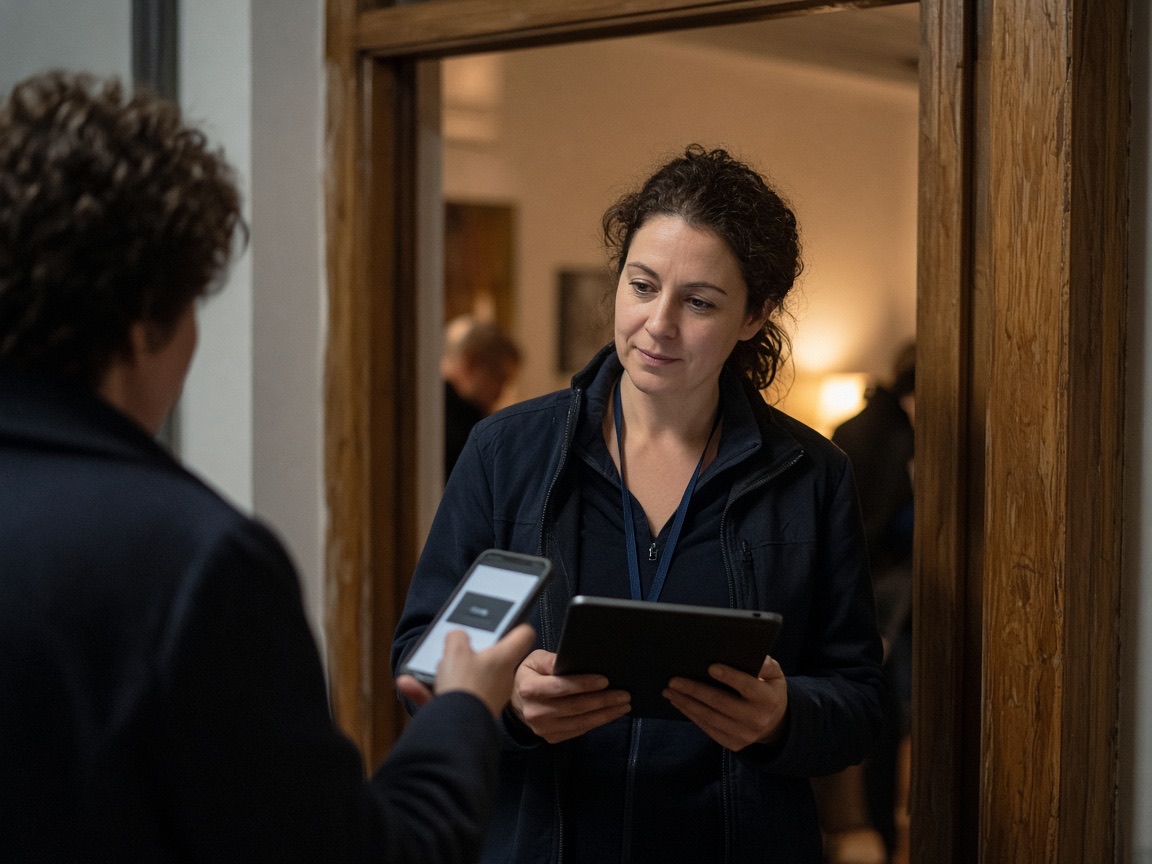
Attendees checking in at a conference registration table

Check them in at the door from your phone

Is this for you?

You're running an event. People need a ticket and a way to pay.

Take Bookings handles the payment, the digital pass, and the door check-in — so you do not need a separate ticketing platform.

Door volunteer scanning a guest phone to check them in

Conference or seminar organiser

You are running a full-day event with 50–300 attendees. You need to sell tickets, confirm registrations, and check people in at the door — without paying a ticketing platform a cut of every ticket.

  • →Create the booking, set ticket price and capacity
  • →Share the QR or link — attendees pay, get a pass instantly
  • →Scan their QR at the door from any phone

Quiet church interior with wooden pews and a simple cross

Church or faith community event

Easter service, concert, or a ticketed dinner — you need people to register and pay in advance so you know numbers and can cover the venue cost.

  • →Put the QR in the bulletin or on the screen
  • →They pay by bank, get a booking pass with a unique code
  • →Check them in at the door — no clipboard, no cash
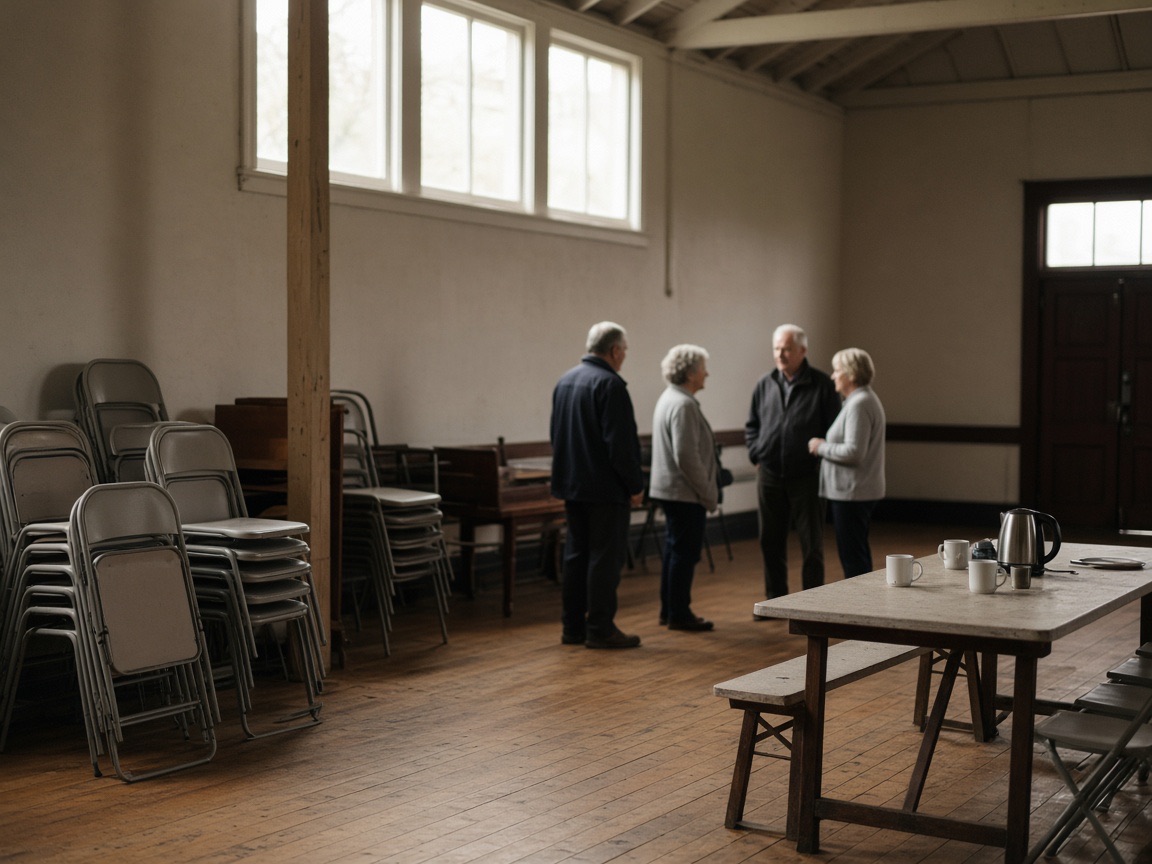
People talking in a community hall with stacked chairs

Community group or club event

A gala, club dinner, or fundraiser. Tickets need to be sold upfront, people keep forgetting to pay, and you are manually tracking who is coming.

  • →Share a booking link in your group chat or email
  • →Members register and pay — you see the list in your workspace
  • →Check in at the door — scan the pass or search by code
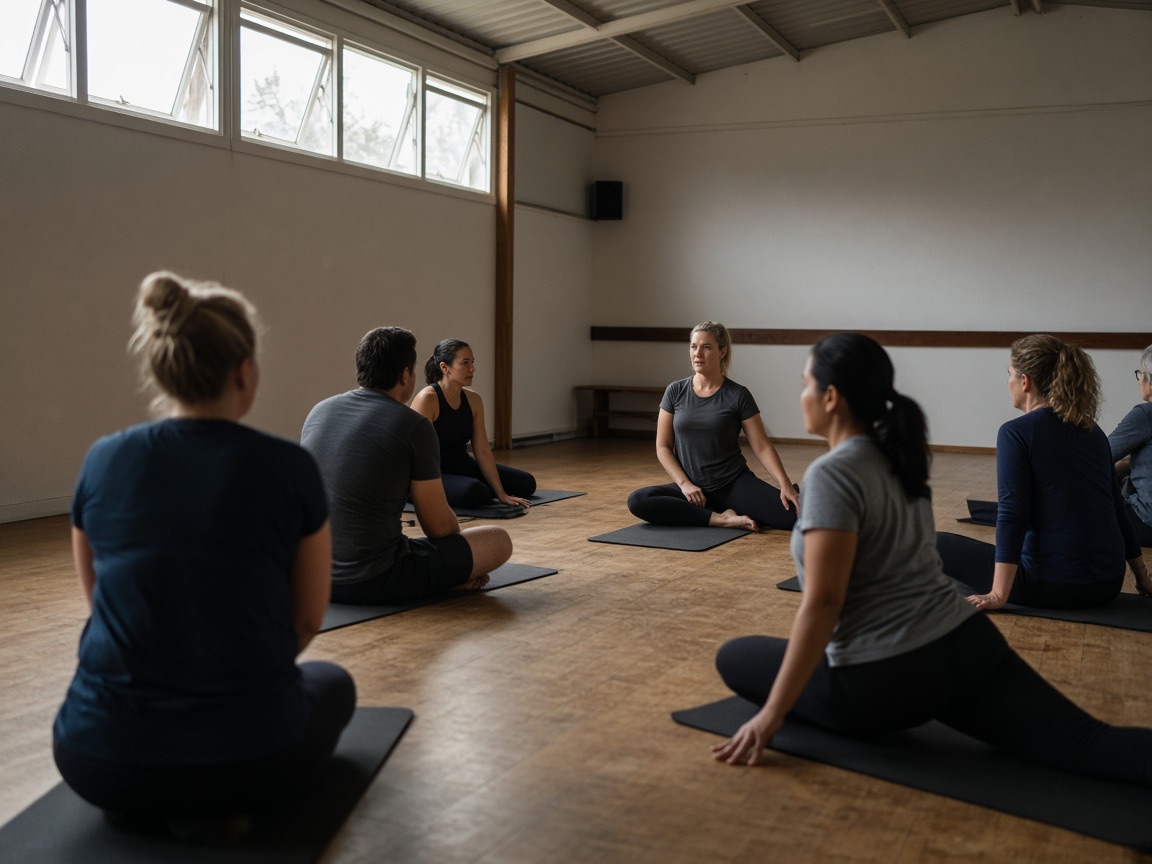
Fitness class in a small gym hall

Sports or fitness session

Classes or sessions sell out when people pay at the door. You need people to book and pay upfront, then show a pass.

  • →Sell session or class tickets from a catalog
  • →Participants pay by bank or by card and get a pass
  • →Check them in at the door — no chasing cash

How it works

Create a booking. Share a link. Check in.

Person creating an event booking on a laptop

01

Create your booking

Name the event, set the price (or let them choose), set capacity, and publish. Takes a few minutes.

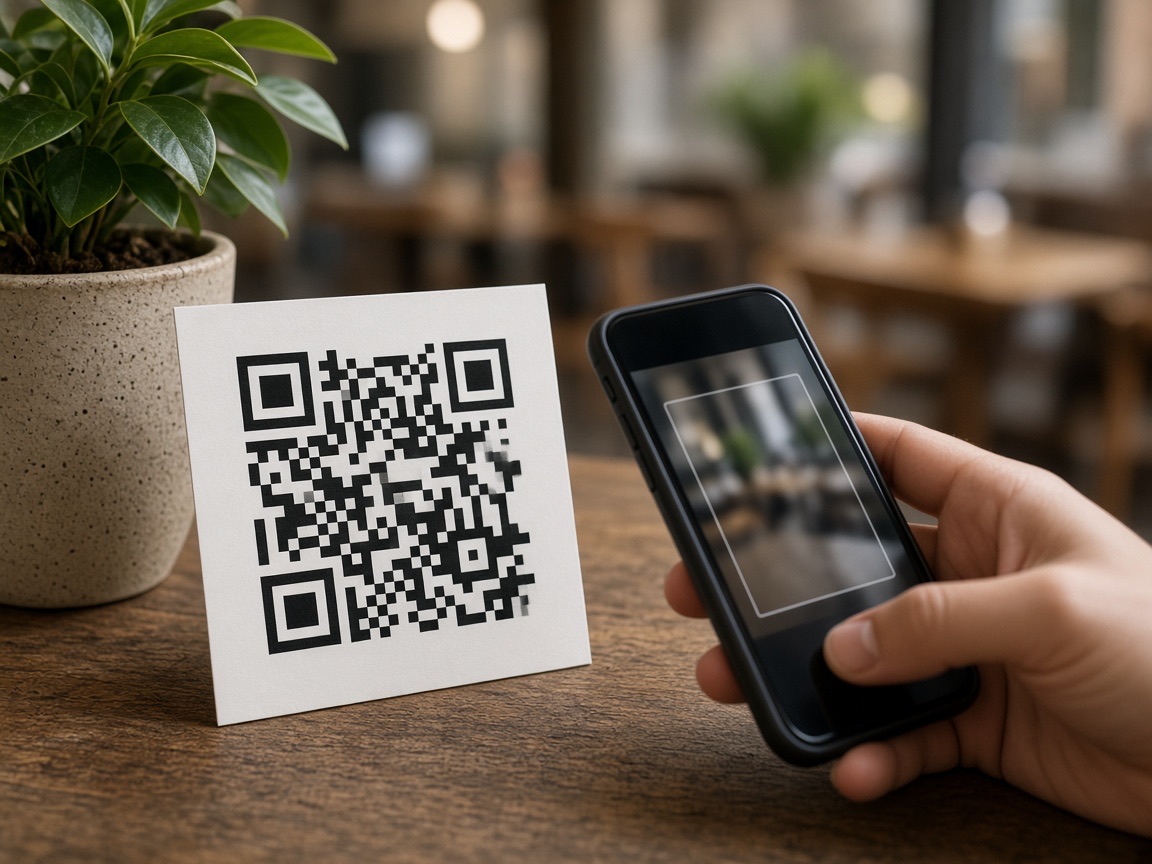
Printed QR card on a counter ready to scan

02

Share the QR or link

Print a QR for the noticeboard, email a link, or paste it into a WhatsApp group. No extra setup.

Attendee holding a phone with their booking pass

03

They pay and get a pass

Attendees pay by bank on their phone and receive a digital pass with a unique QR code. No app to download.

Door volunteer scanning a guest phone to check them in

04

Check in on the day

Open the workspace on any phone or tablet and scan the attendee's QR pass — or find them by booking code.

What's included

Everything you need to run bookings

  • ✓Create bookings with name, price, and capacity
  • ✓QR code or shareable link per booking
  • ✓Pay by Bank — NZ bank accounts, no app, no surcharge
  • ✓Pay by Card — cards, Apple Pay, and Google Pay
  • ✓Digital booking pass with unique QR code
  • ✓Check-in by scanning QR or booking code
  • ✓Attendee list in your workspace
  • —No recurring / subscription bookings
  • —No complex ticketing tiers
  • —Pay by Bank is NZ-only. Pay by Card works for cards and wallets. Otherwise they pay as usual

Use together

Take Bookings + Take Payments

Many event organisers also collect event-day payments — a book stall, raffles, food, or a koha bowl. Use Take Payments alongside Take Bookings for that. Same desk for both.

Savings estimate

How much is a ticketing cut costing you?

Compare a platform % of ticket sales with 1% on Pay by Bank. Starts at 7% — the highest public platform cut we already publish — so you can see monthly savings on arrival. Change it to the % you were quoted. See pricing.

Default is Order Meal's public ~7% claim — the highest platform cut we publish — not a ticketing-site rate card. Replace it with the % you were quoted. Payment processing may still apply depending on how they pay.

Monthly estimate

Tickets / month
250
Quoted platform cut (7%)
NZ$1,663
Pay by Bank (1%)
NZ$238
Monthly savings
NZ$1,425

Illustrative only. Excludes card processing. We do not publish a ticketing-platform rate. They pay no extra fee on Pay by Bank. See pricing.

Book a 15-minute demo

Try the sample

NextGen Conference

Scan to try how it works in real time.

This takes a real payment.

This is you. Your client books a conference ticket.

  1. 1Pay by Bank — Early Bird, $0.01
  2. 2Pay by Card — Timely Bird, $0.50
  3. 3Skip Late Bird — $100

Scan the QR below from another mobile, or click Try it live.

NextGen Conference

Scan to book

Ready to try it?

Tickets, digital passes, and door check-in.

Sixty days to try it. Cancel anytime.