For businesses, churches & community groups

Collect a payment with a QR or a link

Print a QR or send a link. They pay by bank or by card on their phone — no app to download, no card machine needed wherever you collect.

QR payment system · Payment link · Set-amount payment

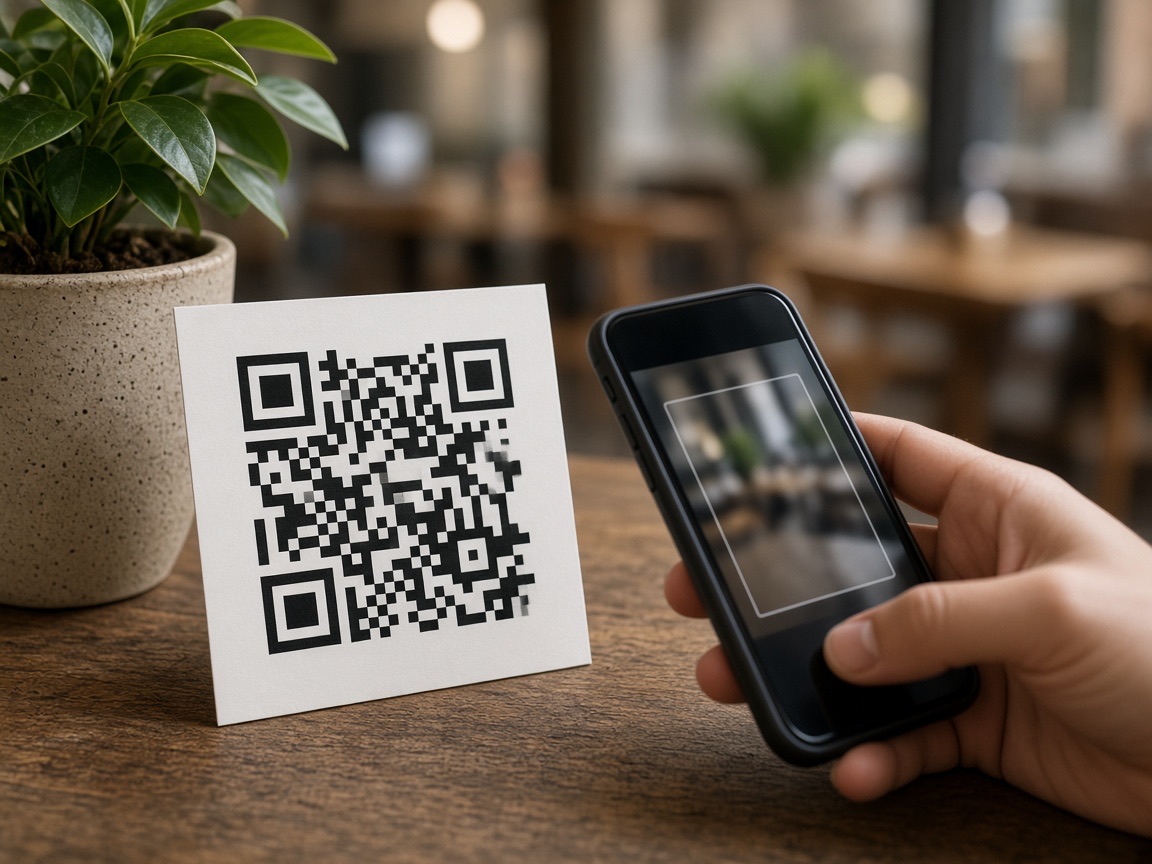
Person scanning a payment QR code on a printed card

Print a QR or send a link — they pay by bank or by card

Is this for you?

Any NZ organisation that needs to get paid

Display a QR or send a link. They pay by bank or by card — no app to download, no menu or kitchen needed.

Phone scanning a QR payment card on a business counter

Businesses

Take money at the counter, send a link for an invoice, or put a QR on a stall. No card machine needed wherever you collect.

  • →Print a QR for the counter
  • →Send a link when you invoice
  • →Put the same QR on a stall or in the van
  • →They pay by bank or by card — no card machine needed

Quiet church interior with wooden pews and a simple cross

Churches

Display a QR for giving or event fees. Attendees scan and pay during the service — nobody needs to carry cash.

  • →Put the QR on the screen or in the bulletin
  • →They pay by bank or by card — no app to download
  • →Confirmed payments show in your workspace
  • →Gift payments send a NZ donation receipt
People talking in a community hall with stacked chairs

Community groups

Membership, koha, fundraisers, and social-club fees — we do not take a cut of what you collect.

  • →Copy a payment link into the group chat or email
  • →Members pay by bank or by card on their phone
  • →Confirmed payments show in your workspace
  • →No chasing bank transfers
Busy café counter during morning service

Cafés and restaurants

Take a bill with a QR or a link — nothing goes to the kitchen. For QR ordering and a kitchen screen, use Take Orders.

  • →Print a QR or send a link for the bill
  • →They pay by bank or by card. Pay by Bank has no extra fee for them
  • →Nothing is sent to the kitchen
  • →Need QR ordering and a kitchen screen? Use Take Orders

How it works

They type the amount, or you do.

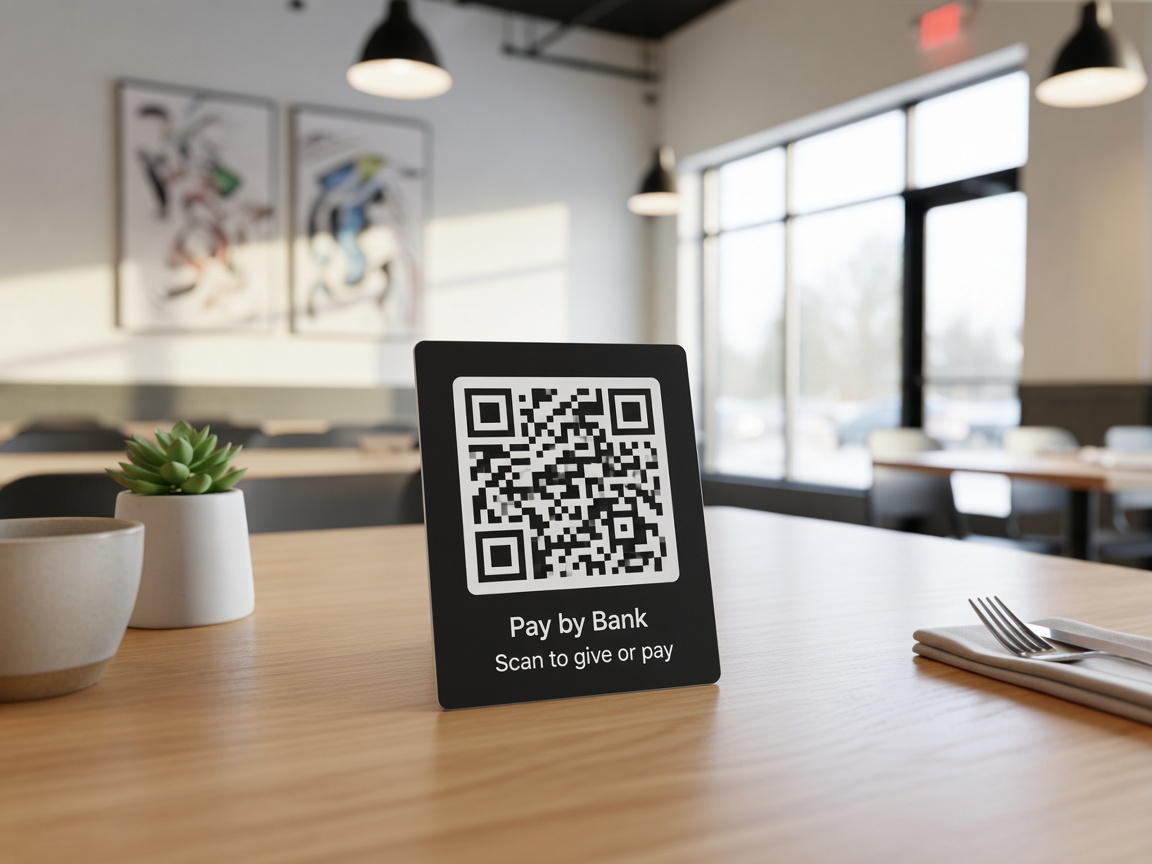
Printed QR card on a counter ready to scan

01

They choose how much

Print a QR or send a link. They type the amount on their phone. Use this at a counter, on a poster, or at a market stall.

Person holding a phone to pay a set amount

02

You set how much

You type the amount first, then show a QR or send that link. They pay exactly that — they cannot change it. Use this for an invoice, a set fee, or a known amount.

How you share it

Print a QR, or send the link

One payment link. Print it, text it, or paste it into WhatsApp. You copy the link you already have — no extra WhatsApp setup.

Printed QR card on a counter ready to scan

Print a QR

Put it on a poster or a card at the counter. They scan and pay from their phone.

Laptop and phone on a desk for copying a payment link

Copy a link

Put the same link on a website, in an email, or on a noticeboard.

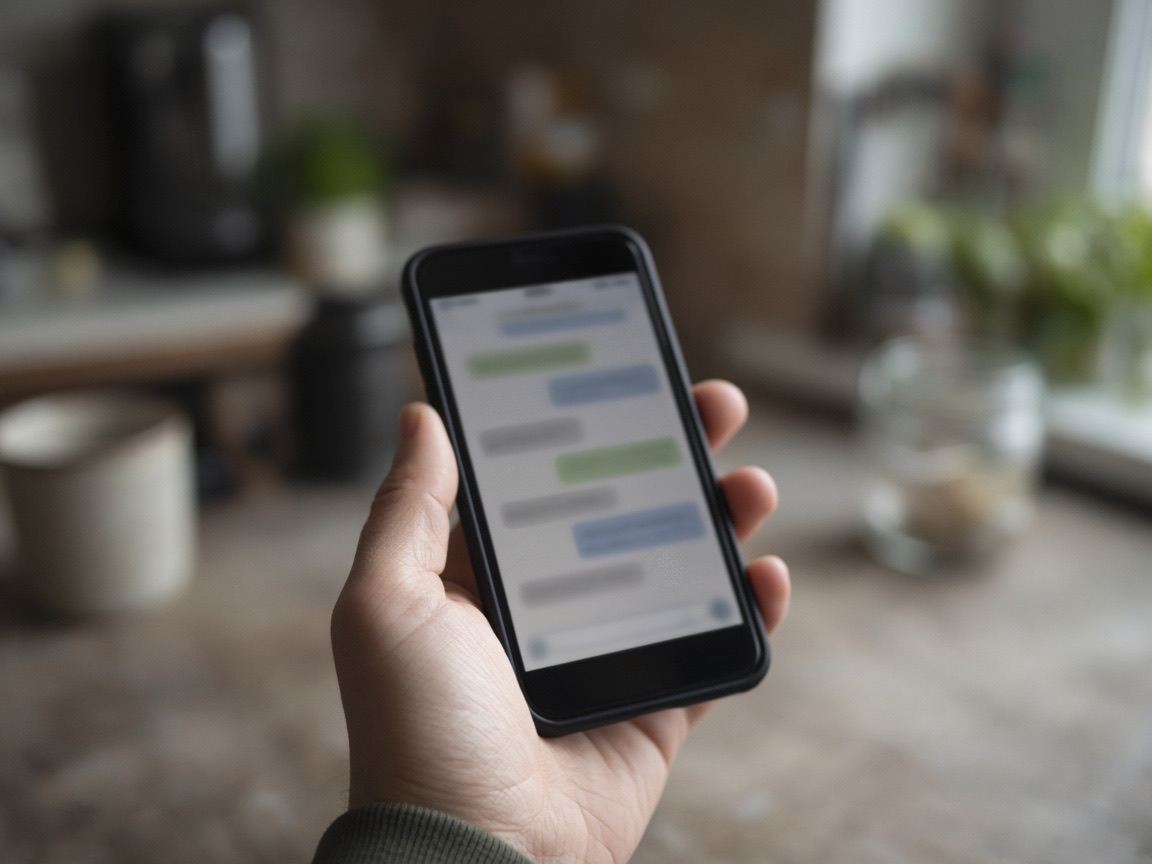
Phone in hand with a messaging conversation

Text or WhatsApp

Copy the link and send it in a text or WhatsApp. That is all — no extra WhatsApp setup.

What's included

Everything you need to get paid

  • ✓A QR or link where they type the amount
  • ✓A QR or link where you set the amount first
  • ✓Send the same link by text or WhatsApp
  • ✓Pay by Bank for NZ bank accounts — no app to download
  • ✓Pay by Card — cards, Apple Pay, and Google Pay
  • ✓Works without a menu or a kitchen
  • —Card and online checkout cost more than Pay by Bank
  • —You do not have a card machine wherever you collect
  • —You need to take payment when they are not in front of you
  • —You do not want another platform taking a cut of what you collect

Fees

Pay by Bank vs online card

100 Pay by Bank payments ≈ ~NZ$100 kept vs the same on online card. They pay no extra fees.

One-off payments and event fees. A Gift payment sends a NZ donation receipt. Pay by Bank is ≈ PayWave debit — not a claim to beat contactless debit. Pay by Card is live too: cards, Apple Pay, and Google Pay. See pricing.

Savings estimate

How much can you keep vs Stripe?

Compare Stripe and other online card checkout with Pay by Bank. Type your typical payment for an approximate monthly figure.

Compare against Stripe and similar online card providers. Our Pay by Card is Stripe at about the same cost. They pay no extra fee on Pay by Bank.

Monthly estimate

Payments / month
1,100
Stripe and similar card checkout
NZ$1,639
Monthly savings
NZ$1,100

Approximate. On a NZ$45 payment, Stripe-class card is ~NZ$1.49 and Pay by Bank is ~NZ$0.25–0.45 — about ~NZ$1 kept. Scales with your amount. Our Pay by Card is Stripe pass-through at about the same cost as Stripe. They pay no extra fees on Pay by Bank. This is not a claim vs PayWave debit. See pricing.

Book a 15-minute demo

Use together

Take Payments + Take Orders

Need QR ordering and a kitchen screen? See Take Orders. Selling tickets and checking people in at the door? See Take Bookings. Same desk for all three.

Try the sample

NextGen Limited

Scan to try how it works in real time.

This takes a real payment.

This is you. Your client pays you.

  1. 1Pay by Bank — $0.01
  2. 2Pay by Card — $0.50

Scan the QR below from another mobile, or click Try it live.

NextGen Limited

Scan to pay

Ready to try it?

Print a QR or send a link — they pay by bank or by card.

Sixty days to try it. Cancel anytime.